Skip to content
  • Installation
    • Download & Installation
    • Windows 11
    • Mac (Apple Silicon)
  • First Steps
  • FAQ
  • Sprache
    • German
    • English
  • German
  • English
Phrase Lock®Phrase Lock®
  • Installation
    • Download & Installation
    • Windows 11
    • Mac (Apple Silicon)
  • First Steps
  • FAQ
  • Support
  • Tools
    • QR-Generator
Phrase Lock®Phrase Lock®


Download & Installation

Install PhraseLock Port for your operating system now. You'll find links to the installation instructions below.

Desktop Downloads


⊞Windows x64


⊞Windows ARM64


macOS (Apple Silicon)

Mobile Apps


Download on the App Store


Get it on Google Play

 
Click here for the Windows 11 installation

…Windows 11 Installation

 
Click here for the Mac installation
…Mac Installation

Imprint – Impressum | Contact  
Privacy Policy 

© iPoxo® IT GmbH 2016 – 2026 · All Rights Reserved
FN 327858 w · DVR 4001137 · UID: ATU 65005709
5020 Salzburg · Austria


Try before buy

You don’t have to buy Phrase-Lock before you can try it out.

Take your time installing everything, try out all the features, and only then decide if you need a license.

For individuals, Phrase-Lock remains free forever.

Only if you want to operate your own communication channel between your smartphone and computer (your own MQTT broker) do you need a paid license.

For companies or their representatives, the following applies: Here, too, you can test Phrase-Lock first. Please respect our license terms afterward and purchase a license—or contact us if you need multiple licenses.

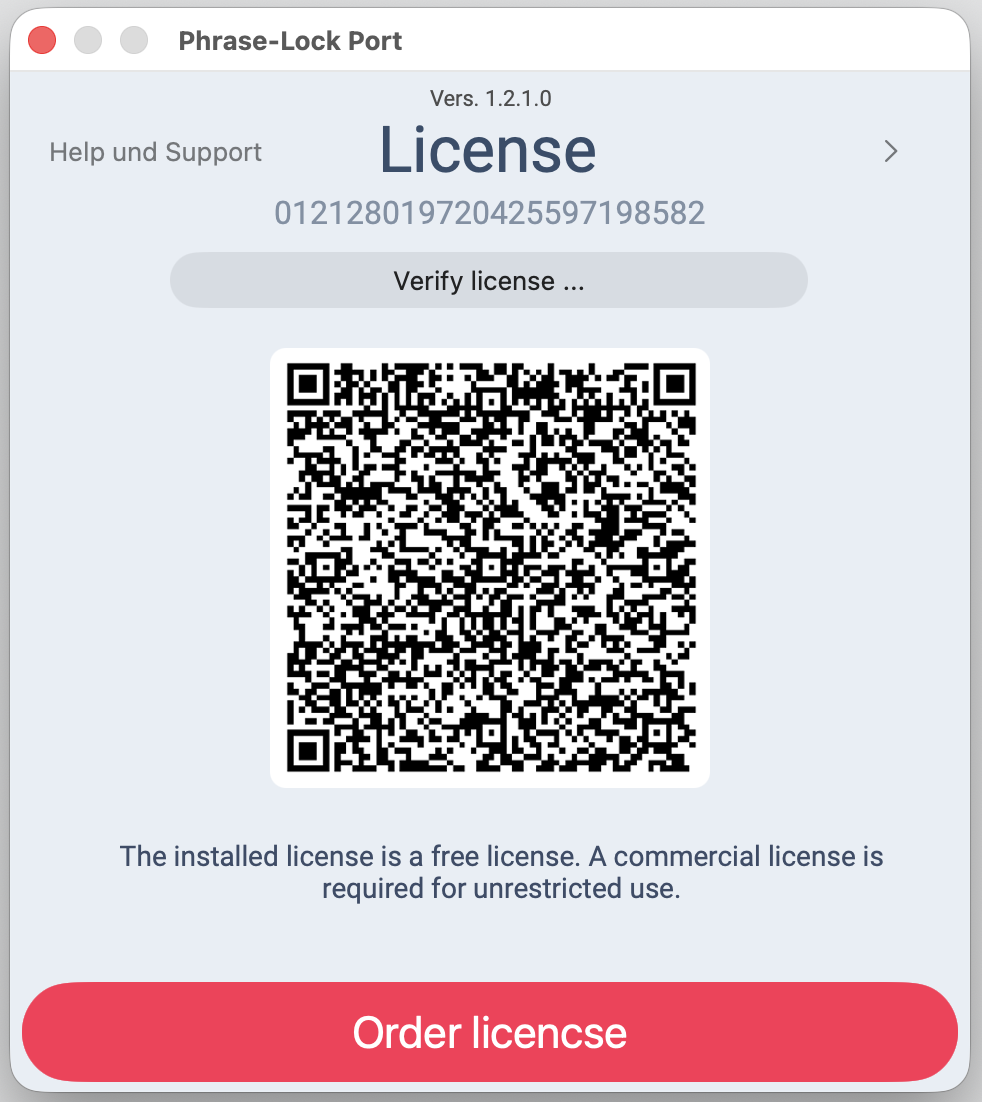
Individual orders are placed via the red button “Order License”, so that we can clearly identify which installation the restrictions should be lifted for.

4 Comming soon …

3 Comming soon …

2 Comming soon …

1 Comming soon …

Phrase-Lock® App for Android
QR Code
Phrase-Lock® App for iOS
QR Code

Apple-Silicon (ARM64)

License Agreement, April 9, 2026

  1. Personal Use

    The software may be used by individuals exclusively for personal, non-commercial purposes at no charge.

  2. Commercial Use

    Any use by companies, organizations, or self-employed individuals requires the purchase of a commercial license. By downloading, you confirm that you meet the requirements for the selected type of use. This does not apply to temporary evaluation versions.

  3. Distribution

    Distribution of the software, individual components, or copies to third parties is not permitted. Please refer them to the official download page instead.

  4. Installation restriction

    Each installation is tied to a specific device and may not be transferred under any circumstances. Failure to comply with this provision will automatically result in the loss of the license.

  5. Acceptance

    By downloading and using the software, you agree to this license agreement.


Windows ARM64

License Agreement, April 9, 2026

  1. Personal Use

    The software may be used by individuals exclusively for personal, non-commercial purposes at no charge.

  2. Commercial Use

    Any use by companies, organizations, or self-employed individuals requires the purchase of a commercial license. By downloading, you confirm that you meet the requirements for the selected type of use. This does not apply to temporary evaluation versions.

  3. Distribution

    Distribution of the software, individual components, or copies to third parties is not permitted. Please refer them to the official download page instead.

  4. Installation restriction

    Each installation is tied to a specific device and may not be transferred under any circumstances. Failure to comply with this provision will automatically result in the loss of the license.

  5. Acceptance

    By downloading and using the software, you agree to this license agreement.


Windows X64

License Agreement, April 9, 2026

  1. Personal Use

    The software may be used by individuals exclusively for personal, non-commercial purposes at no charge.

  2. Commercial Use

    Any use by companies, organizations, or self-employed individuals requires the purchase of a commercial license. By downloading, you confirm that you meet the requirements for the selected type of use. This does not apply to temporary evaluation versions.

  3. Distribution

    Distribution of the software, individual components, or copies to third parties is not permitted. Please refer them to the official download page instead.

  4. Installation restriction

    Each installation is tied to a specific device and may not be transferred under any circumstances. Failure to comply with this provision will automatically result in the loss of the license.

  5. Acceptance

    By downloading and using the software, you agree to this license agreement.