
General Questions
- Is Phrase-Lock safe?
- Your login details and credentials are as secure as you make them. The data is, of course, encrypted; the keys are generated randomly and automatically and are stored securely in your smartphone’s keystore.
You can further secure access to and use of your data with biometrics (Face ID, fingerprint, or PIN code)—and, of course, through your phone’s automatic lock.
The level of protection you prefer depends entirely on your personal needs.
What you don’t need with Phrase-Lock is a questionable master password that you have to enter over and over again. Nor do you need an account with us.
Your data belongs to you; only you know about it, and only you decide how you want to handle it.
In the best-case scenario, you’ll have no trouble getting everything set up, you’ll be satisfied—and we’ll never hear from you again.
Unless, of course, you want to establish a connection between your smartphone and your computer yourself. In that case, you’ll need a license extension, and we’ll get in touch.

- Am I independent with Phrase-Lock?
- With Phrase-Lock, you have more independence than with any other comparable system. Your login credentials are stored exclusively on your smartphone. It’s entirely up to you whether or not to create backups and how you secure access to your smartphone.
You can also define your own master key and export it as a QR code. With Phrase-Lock, there’s no annoying master password that you have to enter all the time—and for good reason. Modern smartphones are cryptographic masterpieces, and the safest place to store a master key is your smartphone’s keystore.
As a general rule, it’s a good idea to export the corresponding master key as a QR code along with your backup. You’ll need both elements together if you lose your smartphone and need to transfer your data to a new device.
The only area where you aren’t completely independent with a free license concerns the connection between your smartphone and your computer. With free licenses, this connection runs through our MQTT service.
However, we cannot read or track the data traffic. The magic word is mTLS—a multi-layered encrypted communication protocol that cannot be cracked from the outside, even if we wanted to.
For interested readers:
The combination of TLS, mTLS, and our additional end-to-end encryption results in a level of security that is far beyond what is practically feasible to breach. The effective cryptographic strength corresponds to a complexity on the order of 2^384 possible combinations—a number significantly larger than the number of atoms on planet Earth.You can also set up such a connection yourself. To do so, you’ll need a paid advanced license and a few scripts. We provide these to you free of charge—and we’re happy to assist you with the process.
- Where and how is Phrase-Lock manufactured?
- Phrase-Lock is a European product developed and manufactured by iPoxo IT GmbH in Salzburg, Austria.
To connect smartphones and computers, we rely on the open-source MQTT broker “mosquitto.” Thanks to its high performance and exceptional stability, it has emerged as our MQTT broker of choice. - What is MQTT, and why do I need it?
- This is going to get a little technical:
Essentially, your smartphone and your computer have no direct way of communicating with each other. This would require so-called open ports—but these are rightly considered a security risk. It’s no different with smartphones:
If such ports were open, they would be constantly exposed to attacks from the internet. Nobody wants that.The ideal solution is therefore to route communication through an intermediary that acts as a bridge between the computer and the smartphone. Various protocols exist for this purpose, some more suitable than others.
We chose MQTT for many reasons: its simplicity, the availability of high-quality open-source implementations, and the ability to secure communication using multi-layer encryption (mTLS) were the decisive factors.
MQTT stands for “Message Queuing Telemetry Transport” and is a recognized, proven industry protocol. If you’re interested in learning more, you’ll find plenty of good information about it online.
Furthermore, MQTT is content-agnostic. This means that the protocol places no requirements on the content being transmitted. For us, this is ideal because it allows login credentials to be transmitted without the protocol needing to know their structure.
And once again:
If you’d like to run your own MQTT broker, there are no technical obstacles. We’d be happy to support you in doing so. - What exactly is being installed on my computer?
- Furthermore, such solutions cannot help you enter secure passwords before Windows has fully booted.
With Phrase-Lock, we take a completely different approach.A keyboard or a FIDO token (e.g., from YUBIKEY® or FEITIAN®) are ultimately just input devices connected via USB. The computer recognizes them and automatically loads the appropriate drivers.
However, the Phrase-Lock Port installation provides these devices (keyboard, FIDO token) without a physical USB connection. The devices are emulated.
A fitting analogy: Phrase-Lock Port is the remote control for the keyboard and FIDO token—and your smartphone is the control center.
We don’t read anything, we don’t track your browsing history, and Phrase-Lock works as soon as your computer wakes up from standby or a cold boot.With certain limitations, this also applies to macOS—where the system architecture is slightly different.
This allows you to log in immediately after booting up using Windows Hello and Phrase-Lock as a security key (passkey).You’ll only find this level of versatility with Phrase-Lock. There is no comparable solution that can do the same.
And best of all: It’s free for you.
- Why is Phrase-Lock free?
- Phrase-Lock is free because we’re driven by a mission. We want to empower every individual’s digital sovereignty. And of course, we hope that people will embrace our service and that many users will eventually purchase a paid license.
The incentive we offer is the ability to establish the connection between your smartphone and computer yourself.
Furthermore, Europe seems to be waking up in these times and increasingly prioritizing a higher degree of independence. In our view, this also includes sole control over personal login credentials.
System Requirements
- Windows System Requirements
- 1. Supported Windows Editions
The Phrase-Lock driver is Microsoft Attestation-signed and works without any additional steps on:
• Windows 11 Pro
• Windows 11 Home
These systems do not use restrictive Application Control policies by default.
The driver will still be installed and loaded.2. Behavior with HVCI (Memory Integrity) enabled
HVCI can be optionally enabled on many devices.
• Attestation-signed KMDF drivers are generally allowed to run under HVCI.
• On Windows 11 Pro / Home, HVCI alone does not cause any restrictions.
• Restrictions only occur if HVCI is combined with Enterprise Application Control (e.g., WDAC) and the driver is not approved there.3. Restrictions in managed enterprise environments
Restrictions may occur on:
• Windows 11 Enterprise / Education
• Systems with Windows Defender Application Control (WDAC) enabled
• Systems with Application Control for Business
• Devices whose Secure Boot configuration is centrally managed
In these environments, an attestation-signed driver may be classified as a “Custom Kernel Signer” and may need to be explicitly approved.4. When the driver does not work automatically
The driver is blocked if:
• an Application Control Policy is active,
• the policy enforces Kernel Code Integrity,
• and the driver has not been approved in this policy.
This applies exclusively to managed enterprise devices.Support Note
For IT departments in enterprise environments, we provide the following information upon request:
• Signature type
• Hash values of the driver files
• Guidance on integration into existing application control policies - Mac System Requirements
- The software works without any restrictions on Apple systems with Apple Silicon processors (M series).
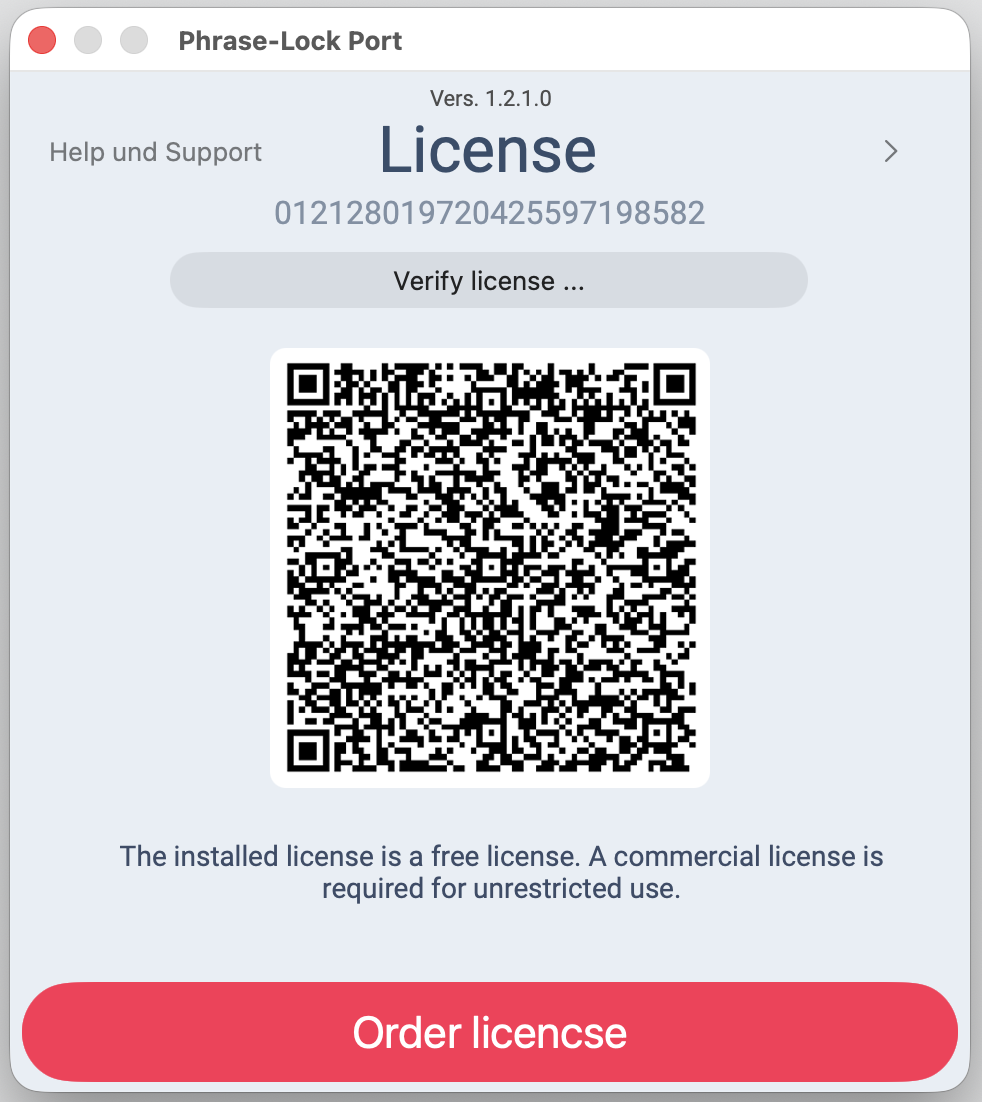 You can install Phrase‑Lock and try out every feature first — you only need a license once you've decided to keep it.